
How to implement account-based attribution
Library > Account-Based Attribution
Written by Alexandra Flygare
Published on 14 October 2026
TL;DR: Implement account-based attribution by connecting the buying group's recorded activity to the correct company and opportunity, defining the outcome, and choosing a credit model.
Validate account hierarchies and multi-opportunity relationships before using the report to compare campaign contribution and guide budget decisions.
1. Choose the outcome and account scope
Start with a question such as which campaigns contribute to qualified pipeline among target accounts. Agree on the opportunity definition, value, and period so the team can inspect the source of any difference in the report.
Pick outcomes that match how leadership runs the business
Choose a reliable outcome, such as qualified opportunity creation or closed-won.
Select the measures needed for the decision: attributed pipeline or won-deal value, relevant costs, account quality, and time to outcome.
Write down exclusions: renewals, self-serve, partner-sourced, expansions, regions, or segments you don’t want in v1.
Record the account group, selected stage, dates, and filters. Save changes that affect comparisons.
Keep contacts, companies, and opportunities distinct
Account-based attribution connects activity from people at the same company and assigns credit for a selected pipeline or revenue outcome. Contact detail helps describe the people involved, while the account view helps connect their interactions to the purchase.
For example, a marketing manager attends a webinar, an operations colleague reads a product page, and a director requests a product demo. Those events can all belong to one buying journey when the company relationships support the connection.
Use the company view to understand the buying group and inspect the opportunity relationships behind pipeline or revenue.
Use contact-level journeys for contact-scoped program outcomes (for example, webinar attendance as a program KPI).
When a company has several opportunities, define how activity relates to each outcome. A company domain alone does not establish which deal an interaction supported.
Write the question, outcome, value definition, company relationships, and filters in a short scope note. Keep it beside the report so a reviewer can understand what the numbers describe.
2. Check the source records
Before choosing weights, inspect the CRM dates and values, company relationships, and campaign sources. A model can allocate incorrect data consistently, so correct the records that could change the decision.
Review the essentials
CRM objects and fields: Account/Company, Contact/Lead, Opportunity; opportunity amount; created date; close date; stage field; and stage change timestamps (or field history).
Stage definitions: written definitions for Opportunity Created and Closed-Won, including which opportunity types count (new business vs expansion) and which pipeline stages map to your reporting.
Account mapping rules: company domain mapping, duplicate handling, and how subsidiaries/parent accounts are treated.
Ownership fields: account owner and opportunity owner populated where you expect Sales follow-up and reporting cuts.
Connect the systems you want included in the journey
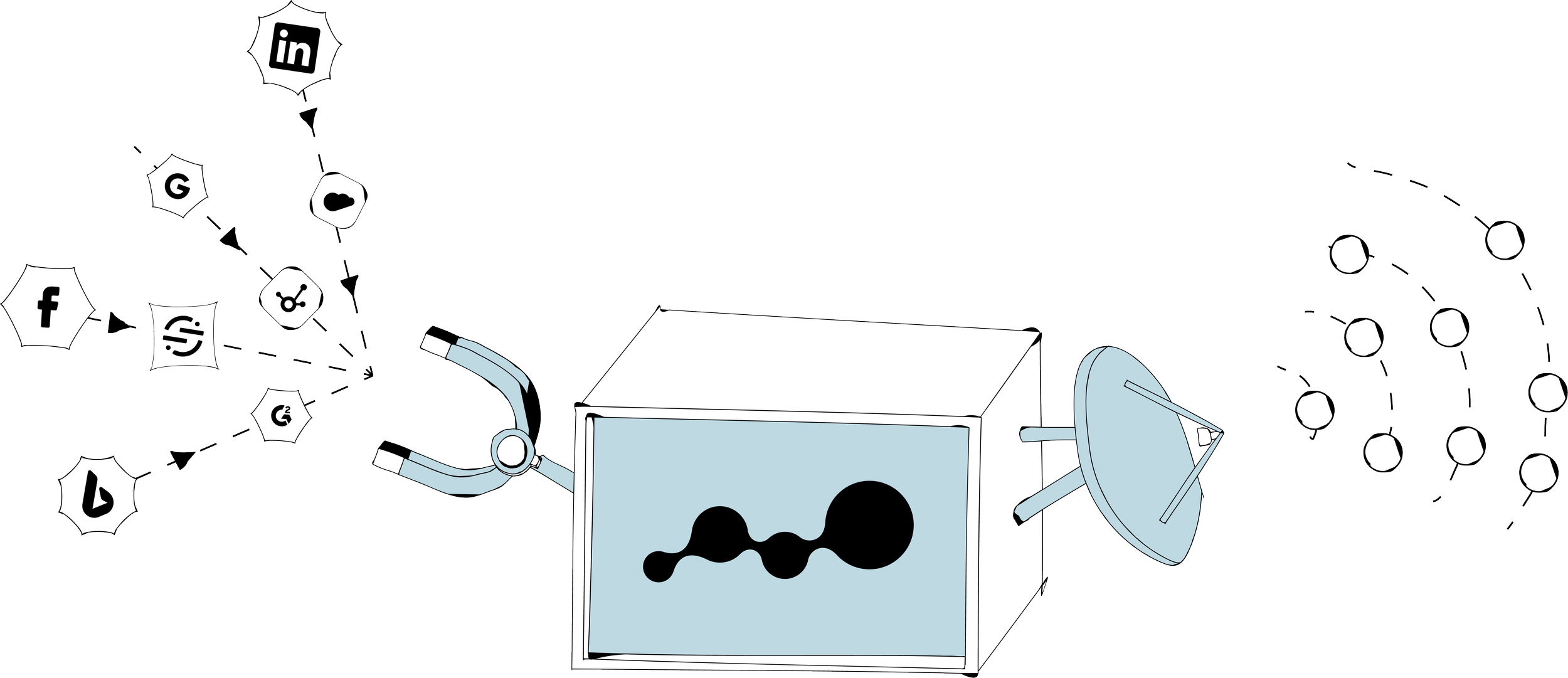
Dreamdata's account-based data model is the foundation for automated collection and attribution. It connects recorded activity from people, companies, and go-to-market sources with pipeline and revenue.
Connect the supported CRM, campaign, event, and website sources relevant to the outcome. Check available objects and historical coverage.
Install/verify tracking: deploy the tracking script across all web properties used for demand capture (main site, blog, docs, landing pages).
UTM hygiene: standardize source/medium/campaign naming so channel and campaign reporting is usable.
Start with the milestone that answers your business question. Earlier contact outcomes can provide context, but keep them separate from qualified pipeline and won-deal value.
3. Inspect the account journeys
Review familiar accounts with sales and RevOps. Confirm the recorded activity, people, and outcomes fit together before interpreting a campaign's allocation.
Check the expected activity
Dreamdata's Customer Journeys show recorded account and contact timelines. Use a known campaign or deal to verify which sources are represented and which gaps need attention.
A short journey is not automatically a tracking failure. Compare it with known records and campaign activity. Missing event attendance and genuinely limited engagement call for different responses.
Review a varied sample
Include won, lost, and open opportunities, plus a parent/subsidiary example and a company with multiple deals.
Check touch types: web activity (anonymous and known), paid clicks, email engagement, form fills, and sales activities where available.
Confirm roll-up: contacts associate to the correct account (domain mapping, merged duplicates, subsidiaries if relevant).
Confirm timestamps: first touch, opportunity created, key stage changes, close date.
Log gaps as fixable items: missing integration, missing UTMs, missing field history, duplicate accounts, mis-mapped domains.
Record each material issue, affected account, owner, and proposed fix. Recheck the same account after the correction so you can see whether the relationship or missing event is resolved.
4. Configure stages and attribution
In the Data Hub, define the records representing each outcome and preview them against the CRM. Then apply an attribution model to eligible activity before the selected outcome.
Define the outcome records
Stage model: qualified opportunity
◦ Object: Opportunity
◦ Filter: the agreed opportunity type and qualification criteria
◦ Timestamp: when the defined qualification event occurred; opportunity creation and later stage entry may be different dates
◦ Value: the agreed pipeline amount and currencyStage model: Closed-Won
◦ Object: Opportunity
◦ Filter: closed-won (and new business if that’s your scope)
◦ Timestamp: close date
◦ Value: the agreed won-deal field, with contract value or recurring value clearly labeledJourney relationship: verify the company, contact, and opportunity connections for the selected stage, especially where several deals share an account.
Compare credit models
Dreamdata supports single-touch models such as first-touch and last-touch, alongside multi-touch options such as linear, U-shaped, W-shaped, and data-driven.
Account-based measurement and multi-touch allocation describe different aspects of the setup.
Linear can provide an equal-credit baseline across eligible interactions.
A milestone-weighted or data-driven model can provide another perspective. Keep the outcome, account group, dates, and filters consistent during the comparison.
Illustrative example: a $100,000 deal with four eligible touches assigns $25,000 to each under linear attribution. If those touches involve three contacts at the company, they still explain one $100,000 deal. Combining the buying group does not multiply the deal value.
Optional: review LinkedIn impression attribution
Dreamdata supports LinkedIn impression attribution using account-level ad exposure. It combines that exposure with a multi-touch model under an explicit importance setting. Account-level exposure does not identify which individual saw the ad.
Compare the report with impression credit disabled and enabled, using the same accounts and outcome. Choose an importance assumption your team can explain rather than applying a default because the channel is large.
With impression attribution disabled, the records can still appear in journeys and influenced metrics, while receiving no attributed credit.
Record the setting and investigate meaningful allocation changes before using them for a budget recommendation.
Keep the stage, model, eligibility rules, impression setting where used, and filters in the configuration note. Attribution assigns recorded contribution; experiments help test additional impact.
5. Validate the report
Compare the selected source records, inspect unexpected allocations, and save the report used for the decision. Consistent definitions make changes easier to explain.
Run the checks that matter
Reconcile source values, dates, currencies, and filters with the CRM. A marketing-only allocation may represent part of the full deal value; investigate unexplained differences rather than assuming a small variance is acceptable.
Investigate outliers: pick 5 accounts where results look off and trace back to mapping, missing touches, or stage timestamp issues.
Compare stage patterns: review which channels contribute to Opportunity Created vs Closed-Won and note where the mix changes.
Monthly report set (keep it consistent)
Pipeline contribution by channel and campaign
Closed-won contribution by channel and campaign
Contribution by content (where content tracking is connected)
Time-to-close by first touch channel
Account engagement before Opportunity Created
Keep account counts, unique opportunity counts, and fractional attribution credit distinct.
A company with two $50,000 opportunities represents one account, two deals, and $100,000 in total opportunity value before any model allocation.
6. Apply the finding to a campaign
Choose one change supported by the report, such as an audience follow-up or a selected pipeline conversion for ad optimization. Verify those campaign settings separately from attribution weights.
Sync account audiences to ad platforms
Dreamdata's Audience Hub lets you define groups using account properties and engagement, then sync to supported ad platforms. Review the companies and exclusions before launch.
Pipeline acceleration: in-pipeline accounts with recent engagement, excluding closed-lost.
Pre-pipeline: target accounts with repeated engagement but no opportunity yet.
Suppression: closed-won customers (and/or active opportunities) to reduce wasted spend where appropriate.
Check matching and delivery against the intended account list. Use downstream account quality and progression to assess the campaign's result.
Sync funnel conversions back to ads
Dreamdata's conversion syncs send selected pipeline outcomes to supported destinations. Choose an event that fits the optimization goal, for example:
Opportunity Created
Closed-Won
Verify the destination accepts the intended event time, value, and identifiers and handles duplicates as expected. A reporting stage and an ad-platform conversion need an explicit checked mapping.
Improve the sales handoff
Share the account activity that helps the owner answer a buyer's question or choose a useful next step. An engagement spike provides context; it does not by itself establish purchase readiness.
Start with a relevant account group and an agreed follow-up.
Make it actionable, include the account, what changed, and the next step (task, sequence, or call).
Review the handoff's usefulness with sales and inspect later account progression.
Keep the action, owner, cost, and result together with the attribution finding that prompted it. That gives the team a record of what changed and what happened next.
Maintain the definitions
Review material changes to the data and rules, and recheck familiar accounts afterward. Keep the previous decision snapshot so historical budget choices remain explainable.
When practical, change one input at a time to understand its effect. Correct known errors promptly and record the change.
Record what changed and when in a changelog, so you can explain shifts in contribution.
Publish the scope doc and configuration note so teams have shared definitions and don’t have to rebuild attribution in spreadsheets.
Start with one account group
Define the decision, outcome, value, and account relationships.
Check the relevant CRM and campaign records and tracking coverage.
Validate familiar accounts, including subsidiaries and multiple opportunities.
Compare model allocations, reconcile the source scope, and choose one campaign action.
Validate account-based attribution with your own go-to-market data in Dreamdata. Use the account journeys and underlying deals to explain a concrete campaign or budget recommendation.