
How to implement multi-touch attribution in B2B
Library > Implementing Multi-Touch Attribution
Written by Alexandra Flygare
Published on 16 October 2026
TL;DR: Apply multi-touch attribution by connecting campaign activity to accounts and opportunities, defining the outcome you want to measure, and choosing how credit will be shared.
Validate the allocation on familiar deals, then use the reports to compare campaign contribution alongside costs and account quality.
See the activity behind pipeline and revenue
Multi-touch attribution distributes credit across several eligible interactions in a recorded journey. That helps you evaluate a webinar, paid campaign, or content program that may appear before the final demo request. The value is a clearer basis for deciding what to investigate, improve, or fund.
Keep attribution and additional impact distinct.
Credit describes the recorded customer journey under a model's rules; a controlled experiment helps test whether a campaign adds results you would otherwise miss.
Get the right people and records involved
People and ownership
Owner: one person accountable for definitions, exclusions, and change log (often Marketing Ops or RevOps).
Review group: marketing, RevOps, sales, and Finance agree on outcome definitions and the decisions the reports will support.
Connect sources relevant to the decision
CRM: accounts, contacts, opportunities, stages, created dates, close dates, and amounts.
Marketing automation: emails, form fills, and lifecycle timestamps tied to contacts.
Ad platforms: campaign identifiers and click parameters (for example UTMs and platform click IDs where applicable).
Website tracking: first-party tracking that captures sessions, landing pages, referrers, and identifiers you can match to contacts/accounts.
Start with the sources needed for one campaign or segment. Record missing history and fix incorrect account relationships or deal values before expanding the reports.
Step 1: Connect the buying group's recorded activity
Bring touchpoints and outcomes into an account view while keeping individual contacts visible. You should be able to explain how a campaign interaction connects to a company and the opportunity you’re measuring.
For example, a paid ad reaches one contact, a colleague attends a webinar, and a third person requests a demo. Connecting those records at account level lets the model consider the eligible activity across the buying group.
Check the data foundation
Account matching: a consistent way to tie people and activity to a company (commonly domain plus CRM account/contact relationships).
Outcome records: the value and date fields for your selected stage are present and match the CRM definition.
Campaign hygiene: UTMs and campaign IDs are present on paid and owned links you control; test campaigns are labeled.
Identity continuity: anonymous web activity can connect to known contacts when they convert (where identifiers allow).
Inspect a few familiar deals
Choose a small sample, including a won deal with several contacts and an account with more than one opportunity.
For each account, confirm you can map: first known touch, key web sessions, paid campaign touches, email/form activity, opportunity creation, and close.
Write down what’s missing and why (for example: missing UTMs, duplicate accounts, wrong domain, opportunity dates not filled).
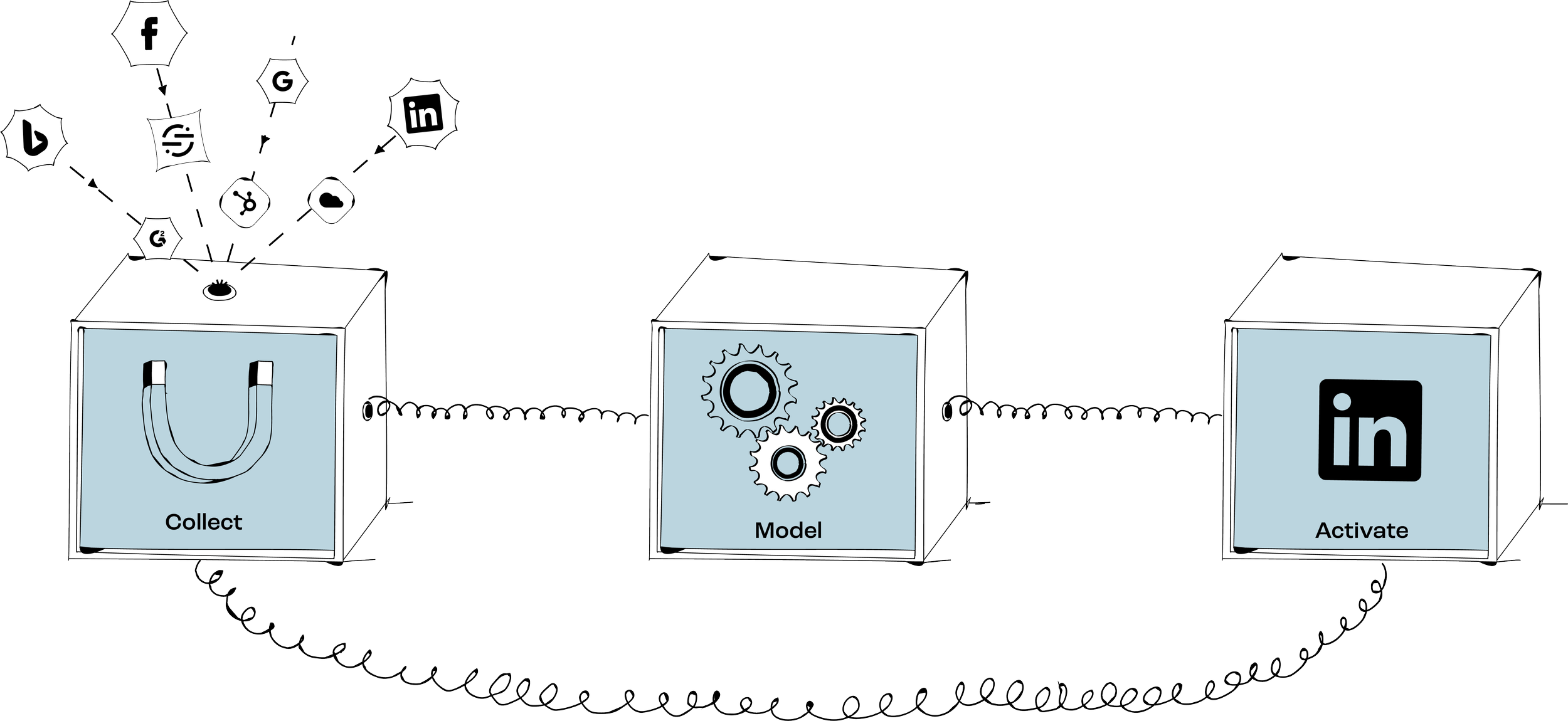
Dreamdata's account-based data model provides the foundation for automated collection and attribution. It connects contacts, companies, and go-to-market activity with pipeline and revenue, so you can inspect the records behind the allocation.
Step 2: Define the outcome and reporting scope
Choose the business question before configuring the model.
A report on qualified pipeline can inform a developing campaign; a report on closed-won revenue assesses a later outcome.
Keep the value definition explicit. Contract value, ARR, and recognized revenue are different measures. Agree which CRM field your report uses, and avoid adding overlapping influenced campaign values as if they were unique revenue.
Write a short measurement plan
Scope: pipeline attribution, closed-won revenue attribution, or both.
Relationships: define how activity connects to companies and opportunities, including accounts with several deals.
Outcomes: identify the source records, date, filters, and value for each selected stage.
Eligible activity: define the supported interactions that can receive credit, such as recorded website sessions, campaign clicks, event attendance, and sales conversations.
Exclusions: internal traffic, employee emails, spam referrers, test campaigns, and known irrelevant partner traffic.
Primary outputs: the 3–5 recurring tables you’ll use in budget and pipeline conversations (for example: attributed pipeline by channel, attributed revenue by campaign, cost per attributed opportunity where spend is available).
Assign ownership of changes
Name the people who maintain stage definitions, source mappings, and attribution rules. Record the reason for material changes and save the reports used for budget decisions.
Step 3: Choose a model and test its allocation
Start with a model your team can explain. Compare another view on the same account group when it helps answer the question, keeping the outcome, dates, and filters unchanged.
Dreamdata's attribution models include first-touch, last-touch, linear, U-shaped, W-shaped, and data-driven options. Custom rules can refine the allocation when a specific reporting need calls for them.
You do not need a custom model to begin.
Choose a primary view and a useful comparison
Linear shares credit equally across eligible touches and provides a straightforward baseline.
U-shaped or W-shaped emphasizes selected positions or milestones. Check the model's actual definitions before interpreting the result.
First-touch and last-touch show the endpoints of the eligible journey. Data-driven attribution uses patterns across journeys and can provide another comparison.
Check the setup
Journey scope: inspect how far back the included activity reaches and whether earlier relevant records are missing. Use your own time-to-outcome data to interpret the coverage.
Touch definitions: define what counts as a touch in your setup (for example: sessions, ad clicks, email clicks, form submits, event attendance where recorded).
Channel mapping rules: document how you classify source/medium and how you handle “direct” and referrals.
Exclusions: implement and test internal/test/spam exclusions before sharing reports.
Worked example: linear attribution
An illustrative $100,000 won deal has four eligible touchpoints. The paid social interaction receives $25,000.
The webinar attendance receives $25,000.
The organic search visit receives $25,000.
The email interaction receives $25,000. Total assigned value is $100,000.
Those shares represent the model's allocation of one deal. They do not mean removing the webinar would reduce revenue by exactly $25,000. Use the example to check the calculation, then inspect multiple journeys before making a budget recommendation.
Step 4: Validate familiar deals
Check the source values, company relationships, and eligible activity before circulating the report. Prioritize errors that could change the investment decision.
Review a varied sample
Include short and long journeys, several contacts at one company, and offline activity if events matter to your campaigns.
For each opportunity, verify conversion moments match CRM: opportunity created date, close date, amount, and stage.
Check account mapping: key contacts belong to the right account; domains are correct; duplicates are handled.
Check touch coverage: paid campaign touches show campaign IDs where expected; email/form activity appears; offline touches appear only where you have recorded data tied to the account/opportunity.
Investigate unexpected concentration of credit, missing campaign labels, or duplicate events. Direct traffic and partner referrals can be legitimate, so do not remove them simply to change the result.
Decide whether the report is ready to use
Ready: source values and dates reconcile for the reviewed records, account relationships are correct, and remaining gaps are understood well enough to judge their effect on the decision.
Needs correction: unexplained value differences, incorrect company matches, or missing campaign feeds could materially change the answer. Assign and verify the fixes.
Use Dreamdata's Customer Journeys to recheck affected accounts after a fix. In the Data Hub, preview the stage records and review the attribution rules. Keep data corrections separate from model changes in your notes so their effects remain clear.
Step 5: Use the reports in campaign planning
Bring one recommendation to the planning meeting, supported by the model, cost scope, account group, and time available for outcomes to develop.
Start with a small set of reports
Attributed pipeline and attributed closed-won revenue by channel.
Top campaigns by attributed opportunity creation.
Late-stage touch patterns (content, webinars, events, sales outreach) tied to stage progression where you track it.
Cost per attributed opportunity, with relevant costs divided by the opportunity credit assigned under the stated model.
Review the data and model regularly
Compare baseline vs comparison model and list the biggest shifts by channel/campaign.
Review material changes to exclusions, stage definitions, or attribution rules and check how they affect comparisons.
Maintain a change log so month-to-month comparisons remain interpretable.
Put the finding into a campaign
Choose an audience based on relevant account properties and engagement, such as suitable webinar attendees without an open opportunity.
Use Dreamdata's Audience Hub to define and review the account group before syncing it to a supported ad platform. Confirm the destination's requirements and matching results.
Assign an owner and a success measure to the campaign change. Conversion syncs can also send selected pipeline outcomes to supported platforms when that fits the optimization plan.
Common mistakes to avoid
Starting with model selection before fixing CRM opportunity dates, account matching, and campaign tagging.
Comparing model results with different dates, stages, filters, or account groups.
Treating an unmatched or aggregate record as a known account interaction without a supported connection.
Letting internal traffic, test campaigns, or spam referrers pollute touchpoints.
Judging a recent campaign's revenue before its account group has had time to develop.
Changing exclusions or weights without documenting what changed and when.
Validate one campaign first
Connect the sources for a familiar campaign and inspect its account journeys.
Agree on the outcome, value definition, and eligible activity.
Choose a model and a comparison view, then explain how credit changes.
Validate the underlying deals and bring one evidence-based recommendation to the planning meeting.
Use your own go-to-market data to test B2B attribution in Dreamdata. Once the reports support a clear decision, apply the finding through a campaign change and review the resulting account quality and pipeline.