
How to track B2B customer touchpoints
Library > Tracking Customer Touchpoints
Written by Stephanie Dean
Published on 13 October 2026
TL;DR: Track B2B customer touchpoints by recording meaningful activity with a timestamp, source, and available person or company identifier.
Connect those records across your website, campaigns, events, and CRM, then inspect them as customer journeys. Use clear attribution rules to decide which interactions receive credit and which provide context.
Define the activity you need to understand
A touchpoint is a recorded interaction between a buyer and your business, such as a website visit, webinar attendance, or sales meeting. You can use them to collect the activity that helps explain a marketing question, for example: how suitable accounts discover you, what they use during evaluation, or where engagement stops.
First, you need to agree with Sales and RevOps on the pipeline milestones you want to measure, and assign an owner to maintain event definitions and campaign labels.
For example, a webinar attendee may share your offer with a colleague who later requests a demo. You’d need the attendance record, the demo event, and their company relationship to understand that account's journey toward an opportunity.
Connect activity with business milestones
Choose the buying stages relevant to your question, while allowing accounts to revisit content or pause.
Map measurable outcomes to the CRM's agreed definitions, such as qualified opportunity and closed-won.
List the conversions you will use in reporting (for example: demo request, meeting held, opportunity created, proposal sent, closed-won).
Define what the records represent
Separate interactions from business outcomes.
A webinar attendance is an interaction, while a closed-won deal is an outcome whose value you may distribute across eligible interactions. Keep additional context where it helps explain the journey.
Candidate touchpoints: campaign clicks, website sessions, form submissions, event attendance, and recorded sales conversations. Define each event consistently.
Other records: email sends, platform impressions, system updates, and deal-stage changes need their own interpretation. Their presence does not make them interchangeable buyer interactions.
Set clear measurement rules
Keep unmatched activity identifiable. It may still help you understand traffic, even when you cannot place it in a known account journey.
Understand how your platform groups events into sessions. Avoid counting duplicate imports as separate interactions while preserving genuine repeated activity.
Use customer interviews and self-reported answers to add context about recommendations or offline conversations that were not recorded.
Connect touchpoints across the buying group
Activity often lives in several tools and under several contacts. Bringing it into an account view helps you see how the people involved in the same deal engage over time.
Start with the available CRM account and contact relationships, then inspect supporting identifiers such as company domains. Check ambiguous matches, subsidiaries, and personal email addresses before combining the records.
Choose the sources
List your systems of record: CRM (accounts, opportunities, stages), marketing automation/email, web tracking, ad platforms, sales engagement (meetings, calls, emails).
Identify how each source can connect to a person, company, or campaign. A touchpoint can acquire its account relationship through a matched contact; every raw event does not need a CRM account ID.
Use Dreamdata's integrations to connect supported sources. Check the available objects and history for each one, then validate a familiar account after the data is processed.
Inspect the account connections
Check the CRM account association and company domain against known records.
Treat company identification and person identification separately. A company-level match does not identify every individual visitor.
Add properties useful for decisions
Segment (SMB/mid-market/enterprise)
ICP fit or tier
Region
Account owner
Use these properties to compare the accounts you actually want to reach. A campaign that attracts many visitors from unsuitable companies may need a different response from one reaching your target segment.
Review unmatched and ambiguous activity
Owner: Marketing Ops or RevOps.
Cadence: weekly.
Investigate missing company information, duplicate records, and incorrect contact relationships. Check campaign-label issues separately from identity matching.
Recheck affected accounts after a fix and confirm that their earlier recorded activity now appears where expected.
Dreamdata's account-based data model connects contacts, companies, and touchpoints with pipeline and revenue. It’s the foundation for automated collection and attribution, so your team can inspect the buying group behind a campaign result.
Collect website events you can use
Website tracking should show the pages and actions relevant to your question without duplicating events. Start with a clear event definition and test the full path from campaign link to form submission.
For a webinar campaign, distinguish the landing-page visit, registration, and actual attendance. A registration alone does not tell you that the buyer watched the session.
Cover the relevant website pages
Deploy tracking on all relevant domains/subdomains (marketing site, blog, docs if relevant).
Validate that sessions record page paths and timestamps.
Validate that sessions from known companies stitch to the correct account when identifiers exist.
Dreamdata's B2B tracking collects website activity and supports connecting earlier recorded visits when identification becomes available. Review the resulting journey so you understand which visits are associated with a person or company.
Choose the important website events
Relevant page groups: product, pricing, integrations, and case studies. Use visits as context rather than proof of purchase intent.
Conversions: form submits, demo requests, webinar registrations, trial signups (if applicable).
Prevent duplicate and misleading events
Check whether the same event fires more than once or is imported from two sources.
Keep useful content visits available for analysis. Decide attribution eligibility based on the reporting question instead of excluding all informational activity.
Test the implementation
Use test records and a safe test flow for the implementation, then keep that activity out of production performance analysis.
Pick a known account and verify sessions show page paths and timestamps.
Trigger a conversion (for example, a form submit) and confirm it appears as a distinct event tied to the correct account.
Check the relationship between the event and later CRM outcomes. A demo request and a completed meeting are separate records and may happen on different dates.
Log tracking configuration changes so you can audit reporting shifts later.
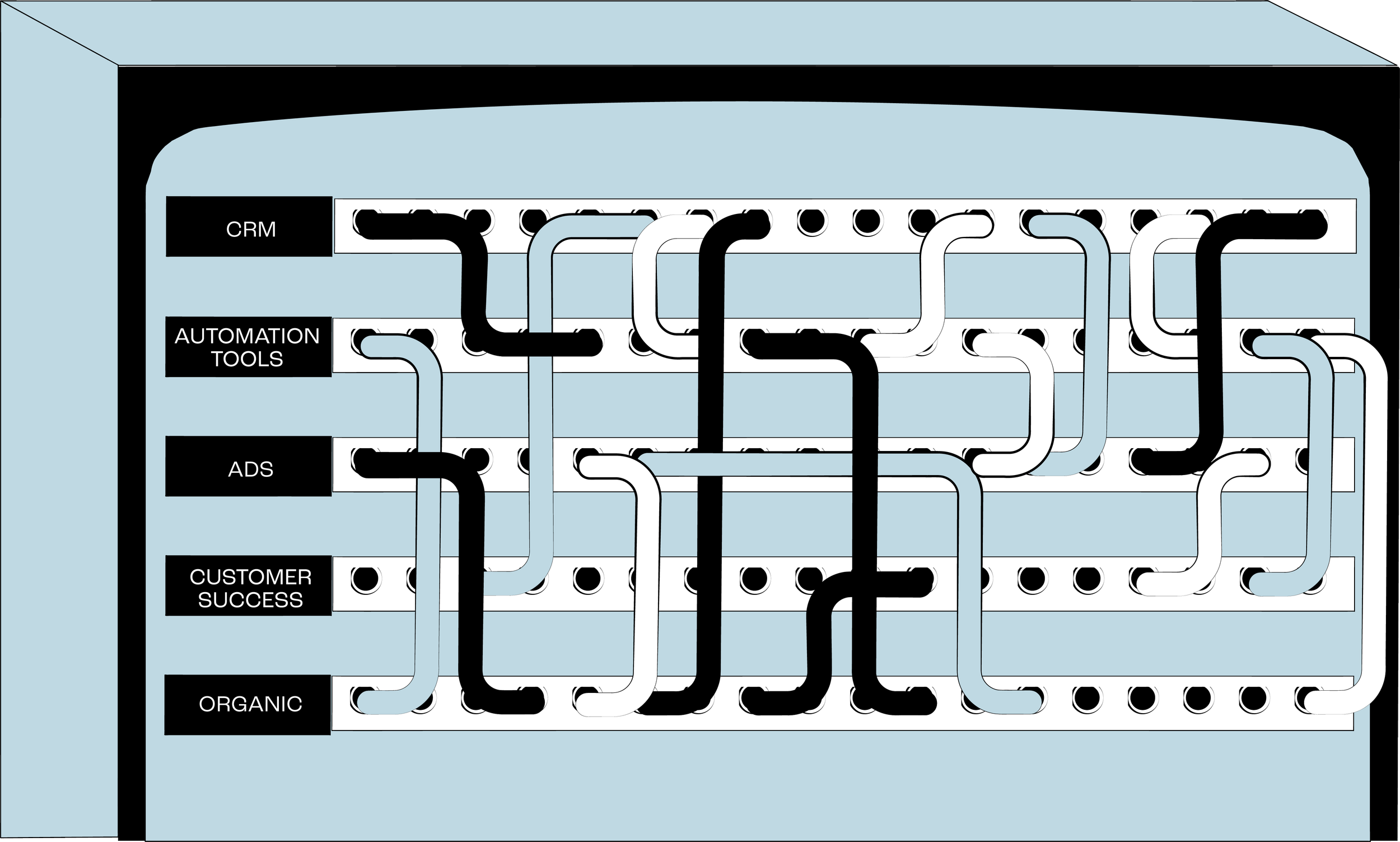
Make campaigns recognizable across sources
Consistent campaign labels let you connect a link click, event registration, and later account activity to the same program. Check the original campaign links when an expected label is missing.
Agree on UTM values and the mapping used in your reporting. Review what each integration supplies rather than assuming every platform provides individual clicks, impressions, and conversions in the same form.
Use a simple UTM convention
utm_source: platform or partner (linkedin, google, newsletter_partner)
utm_medium: paid_social, paid_search, email, sponsorship, organic_social
utm_campaign: a consistent campaign identifier, such as attribution_webinar
utm_content: an optional creative or content identifier when that distinction matters
Separate collection from attribution eligibility
Collect the supported interaction records relevant to your campaigns and check their dates and identifiers.
For impression measurement, confirm the source-specific support and reporting level. An aggregate impression count is not an identified individual's touchpoint, and impression attribution needs its own supported setup.
Standardize ad and campaign naming so it matches (or can be normalized into) your UTM structure.
Check each campaign before launch
UTM check: required fields, typos, casing.
Landing page check: correct domain, tracking present, page loads.
Conversion check: event fires once and maps to the intended conversion.
Investigate unknown campaign values
Preserve unknown values and trace the affected records back to their source. Correct the original links or mapping when the cause is known.
Assess whether the gap could change the decision. A missing campaign label may still leave a usable channel view, while a missing source feed requires a broader investigation.
Owner: Marketing Ops. Cadence: monthly cleanup (fix templates, enforce QA, correct naming at the source).
In Dreamdata's Data Hub, you can review event definitions and UTM mapping rules. Check a sample of the classified activity against the original campaign links and event records.
Use the touchpoints to make a marketing decision
A useful journey view helps you answer what happened before an account reached an outcome. Use it to inspect campaign contribution, improve a follow-up sequence, or understand why suitable accounts stopped progressing.
Choose a stage with reliable records and let recent campaign groups develop before comparing closed-won revenue. Early touchpoints provide context; their presence alone does not show that they caused a sale.
Review and act on the findings
Choose an attribution model that fits the question and compare another view when useful. Dreamdata's data-driven model can be tried with limited data, where its allocation tends toward linear.
Document eligible interactions and exclusions separately from outcome definitions. Check for duplicate events and unsupported assumptions about impressions.
Report outcomes that tie to CRM. Track attributed pipeline and revenue by channel and campaign, plus stage conversion rates and touchpoint counts per account/stage.
Choose an audience use case, such as suitable engaged accounts without an open opportunity. Review the included companies and exclusions.
Share relevant account context with the sales owner when it can improve a handoff. Agree on the expected follow-up and avoid treating every visit as a sales-ready signal.
Check the result of the action
If an audience performs poorly, review account quality, campaign delivery, offer, and matching before increasing spend.
If sales finds the handoffs unhelpful, review the activity criteria and the buyer context they receive.
Dreamdata's Customer Journeys helps you inspect recorded account activity, while B2B attribution assigns credit to eligible interactions. Audience Hub and conversion syncs help put checked account and pipeline data into supported ad platforms. Use each step to connect the campaign action with the business outcome you want to assess.
Start with a familiar account
Pick a recent deal, list the activity your team knows happened, and compare it with the recorded timeline. Fix the most meaningful gap, document the event rules, and review the next campaign with the same approach. Validate those connections with your own data in Dreamdata before relying on the report for a budget decision.
FAQs
1. Which records should you exclude from attribution?
Remove duplicates, test activity, and system updates that do not represent the interaction you intend to measure. Keep collection and credit rules separate: informational content may be relevant to a buying journey, and supported impression attribution has its own setup. Inspect the effect of exclusions on known accounts before using the revised report.
2. How do you track touchpoints when multiple people from the same company are involved?
Connect contacts to their company using the available CRM relationships and supported identifiers, then keep each person's activity visible within the account timeline. For example, webinar attendance by one contact and a later demo request by another can help explain the same company's journey. Check ambiguous domains and accounts with multiple opportunities.