
How to set up B2B revenue tracking
Library > B2B Revenue Tracking
Written by Stephanie Dean
Published on 08 October 2026
TL;DR: Set up B2B revenue tracking by defining the value you want to measure, connecting the relevant CRM outcomes with account journeys, and validating the records against the source. Then use attribution to compare campaign contribution alongside costs and timing.
Keep booked deal value, ARR, cash receipts, and recognized revenue clearly distinguished.
Define the revenue measure before connecting tools
A marketer may use “revenue” to mean the value of won deals, while Finance may mean revenue recognized during a period. Both can be useful, but they answer different questions. Choose the measure needed for the campaign or budget decision and name the source field.
Agree on the definition and owners
A single owner for CRM opportunity definitions (typically RevOps)
A single owner for UTMs and campaign taxonomy (typically Marketing Ops)
Agreement on what you will and won’t report (new business only vs including expansion/renewal)
Create a one-page revenue tracking spec
Question: identify the investment decision, such as which campaign contributed to won-deal value for a mature account group.
Source: use the agreed CRM field for booked opportunities or ARR. Use the relevant finance or billing source for recognized revenue or cash. Connecting a CRM does not make those measures equivalent.
Lifecycle: define qualified pipeline, closed-won, and how reopened, canceled, renewed, or expanded deals are represented.
Level: keep a distinct opportunity identity and connect it to the account. Separate new business, renewals, and expansion where they affect the decision.
Set change control. If someone changes stages, required fields, or taxonomy, they update the spec and log the change so month-over-month comparisons stay valid.
Show the value and time basis
Illustrative example: a three-year agreement at $40,000 per year has $120,000 total contract value and $40,000 annual recurring value, assuming a flat recurring contract. Cash collection and revenue recognition follow their own arrangements.
Label the chosen measure and confirm its treatment with Finance before using it in marketing ROI.
Connect the sources for the first report
Start with a familiar campaign and its won deals. Connect the opportunity records and the activity needed to understand those accounts, then add further sources as the reporting questions expand.
Gather access
CRM access to connect accounts, contacts/leads, opportunities, and opportunity stages
Access to relevant marketing automation, campaign, and event records
Access to ad accounts whose campaign data and costs are in scope
Website tag deployment rights for a first-party tracking script
Build the first connections
Choose the CRM and campaign sources needed for the question, plus website tracking where relevant.
Connect CRM first. Confirm opportunities exist for the period you’ll report on and that required fields are populated enough to validate totals.
Install first-party tracking. Verify it fires on homepage, product pages, pricing, demo/contact, and key content pages.
Connect marketing automation or event sources and check that the supported activity associates with the correct contacts and companies.
Connect ad platforms. Confirm you can pull spend and campaign identifiers so you can compare spend to pipeline and revenue where applicable.
If a separate finance source or warehouse is needed, define how its records will connect and reconcile before adding its values to the report.
Use an account-based foundation
Dreamdata's account-based data model connects contacts, companies, and touchpoints with pipeline and revenue. It’s the foundation for automated collection and attribution. Inspect a familiar deal to validate those relationships with your own data.
Keep campaign identifiers consistent
Campaign labels help you connect activity across tools. Check the links and source records behind the first campaign report, then document a naming convention the team can use.
Define campaign tags
Use consistent utm_source, utm_medium, and utm_campaign values on external campaign links where appropriate. Avoid adding acquisition UTMs to internal website navigation.
Document the tagging or supported auto-tagging setup for paid, email, partner, and event promotion.
Use a readable campaign identifier with the detail your reporting needs. Keep casing and separators consistent across the relevant tools.
Decide how you treat untagged traffic. Keep “direct/none” visible and treat spikes as a QA signal, not something to hide.
Represent offline touches. Decide how events, webinars, and partner activities will appear so they can show up in journeys and attribution.
Weekly QA (keep it small and repeatable)
Scan for new UTM variants, misspellings, and “(not set)” values.
Fix issues at the source: ad templates, email defaults, partner link guidelines.
Log taxonomy changes so reporting stays comparable over time.
Connect people to the correct company and deal
A webinar attendee and a later demo requester may be different people at the same account. Keep their recorded interactions together while checking which opportunity and outcome the report measures.
Account and identity rules to decide
Contact-to-account association. Define how you attach leads/contacts to accounts and what happens when the account is missing.
Duplicates and hierarchy. Decide how you handle duplicates and parent/child accounts (and document it).
Multi-opportunity accounts. Decide whether you separate new business from expansion, or how you interpret blended journeys.
Journey validation checklist (use real deals)
Select 5–10 recent closed-won deals. Pick a mix of segments and channels.
List the expected contacts and verify their company associations and recorded activity.
Check relevant activity before pipeline entry where it was recorded and can be connected. Identify missing sources without inventing a complete history.
Confirm opportunity linkage. Opportunities and stage changes must attach to the correct account so pipeline and closed-won can be measured against the journey.
Inspect the journey behind the value
Dreamdata's Customer Journeys show recorded account and contact activity. Use it to inspect a familiar won deal, then compare the opportunity value, currency, and outcome date with the CRM.
Keep unmatched activity visible
Some visits will remain unidentified or unassigned to a company. Keep them separate and assess whether the missing context could change the campaign decision. Company-level identification also doesn’t mean every individual visitor is known.
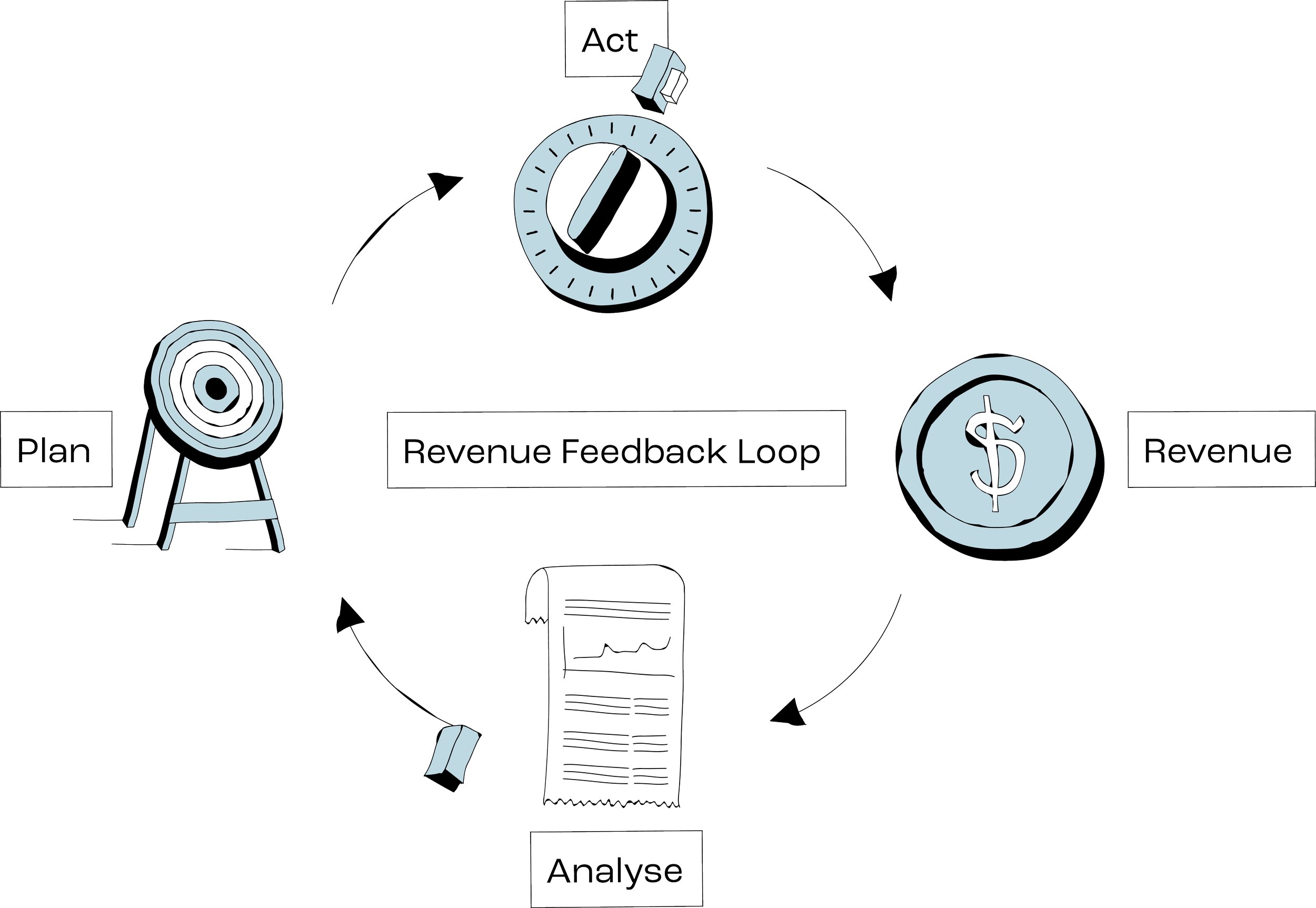
Apply attribution and check the reporting scope
Attribution assigns a share of the selected outcome's value to eligible interactions. Compare models on the same account group and dates, then inspect differences that could change the recommendation.
Pick models based on the question
First Touch: when you want to understand what starts journeys.
Last Touch: when you want to understand what happens right before conversion milestones.
U-Shaped / W-Shaped: when you want to emphasize key lifecycle milestones.
Linear: when an equal-credit view across eligible touchpoints provides a useful baseline.
Data-driven: when you want model outputs based on observed touch patterns.
Validate the first report
Choose a varied sample of opportunities, including different values and accounts with multiple deals.
Check journey completeness. Do the expected campaigns and key touches show up?
Check lifecycle alignment. Does pipeline entry match your spec? Do stage changes line up with CRM history?
Check source values, currencies, dates, and filters against the CRM. A filtered marketing allocation may represent only part of the full deal value.
Explain material missing sources or unmapped records and assign fixes where they could affect the decision.
Standard reporting cadence
Weekly: operator QA (tracking firing, new UTM variants, CRM field completeness, match quality).
Monthly: channel and campaign review (pipeline created, closed-won revenue, and Time to Revenue).
Quarterly: leadership readout using the same definitions, plus a changelog.
Measure time from the first recorded touch to the selected outcome and show which account groups are still developing. It’s not necessarily the time since the buyer first heard of you. Attribution describes recorded contribution; experiments help assess additional impact.
Compare campaign contribution
Dreamdata's attribution models let you compare how eligible activity receives credit. Pair the allocation with campaign cost, account quality, and time to outcome, then save a snapshot of the report behind the budget decision.
Use checked outcomes in campaign execution
Choose a campaign action from the report, then verify the audience or conversion configuration separately. The attribution weighting does not automatically define which events an ad platform should optimize toward.
Conversion sync checklist
Select a meaningful outcome supported by the destination, such as a qualified opportunity or closed-won event.
Map each event to your spec. The CRM definition must match what you report.
Verify the destination accepts the intended event time, value, and identifiers, with the expected duplicate handling.
Audience activation checklist
Suitable engaged accounts with a relevant next step
Accounts in specific pipeline stages
Re-engagement for stalled opportunities
Customers for expansion messaging (only if included in your spec)
Check audience reach and quality
Review the intended companies, exclusions, matching results, and destination requirements before expanding spend. Matching indicates reachability; qualified progression and campaign economics inform whether the investment is working.
Improve the sales handoff
Choose relevant account activity and an agreed next step for the sales owner.
Route alerts to the right owner with account context.
Keep a changelog when conversion definitions or routing rules change.
Apply the finding through marketing activation
Dreamdata's Audience Hub lets you define groups using account properties and engagement, then sync them to supported ad platforms. Conversion Syncs send selected pipeline outcomes.
Start with one use case and review downstream account quality and costs after the change.
Validate one revenue report first
Write the revenue tracking spec (definitions, scope, ownership).
Connect the source records and campaign activity needed for that report.
Standardize UTMs and campaign taxonomy and start weekly QA.
Validate account journeys on real closed-won deals.
Apply the model, check the source values and reporting scope, and save the decision snapshot.
Test one campaign action or conversion sync using the definitions you have checked.
Start with your own campaign and deal data in Dreamdata. When your team can explain the value, journey, costs, and allocation behind the result, you have a useful basis for the next investment decision.
FAQ
1. Is revenue tracking the same as web analytics?
Web analytics describes website activity. Revenue tracking for marketing connects that activity and other recorded interactions with a defined business value, such as booked won-deal value.
Keep the financial definition explicit: CRM deal reporting does not automatically measure cash or recognized revenue.
2. What if our CRM data is incomplete?
Identify which missing fields affect the chosen outcome, then inspect a sample of deals. Prioritize incorrect values, dates, and account relationships that could change the result. Keep unresolved records visible rather than treating a blank amount as a confirmed zero.
3. Can we match every anonymous visitor to an account?
No. Some recorded activity remains anonymous or cannot be connected to a company. Validate supported matches on familiar accounts, keep person and company identification distinct, and supplement the report with buyer context when the missing activity matters.