
How to track B2B marketing channels
Library > Tracking Marketing Channels
Written by Stephanie Dean
Published on 16 October 2026
TL;DR: Track B2B marketing channels by using consistent channel and campaign labels, collecting the relevant activity, and connecting it to accounts and opportunities. Compare pipeline, revenue, and costs on the same reporting basis.
Use attribution to understand contribution and the underlying journeys to check what the numbers mean.
Make channel comparisons useful
Ad platforms, website analytics, and the CRM can report different numbers because they use different definitions and attribution rules. A shared channel view gives you a consistent basis for comparing campaign investment, while each source still helps explain its own activity.
What “good” looks like
Supported activity is classified consistently, with unknown values kept visible.
Web, CRM, MAP, and ad platforms are connected so touches can be tied to accounts, opportunities, and revenue.
Account journeys include multiple stakeholders and pre-pipeline touches, not just lead-stage activity.
Attribution is run with models and windows that match long sales cycles.
The findings support a specific campaign, audience, or budget decision.
1. Define channel, source, and campaign
Keep the levels distinct. For example, “Paid Social” is a channel, “LinkedIn” is a source, and “attribution_webinar” is a campaign. An organic LinkedIn post belongs to a different channel from a paid LinkedIn ad, even though the source is the same.
Agree on the categories used in planning and name an owner for the mapping rules. Keep the original source values available so unexpected classifications can be checked.
Choose useful reporting categories
List every channel you run (paid social, paid search, organic search, email, events, partner, content syndication, communities, referrals, review sites, outbound).
Define sub-channels only where you will take action (example: Paid Social > LinkedIn Prospecting vs Paid Social > LinkedIn Retargeting).
Define what counts as a touch per channel and where it will be captured (ad click, web session, email click, event attendance, form submit).
Set campaign tagging rules
Use consistent utm_source, utm_medium, and utm_campaign values where campaign tagging applies. Add utm_content or utm_term when those distinctions matter.
Publish allowed values per channel (short list, consistent casing).
Check the supported tagging or auto-tagging setup before campaign launch. Avoid adding acquisition UTMs to internal navigation.
Decision rules for edge cases
Missing UTMs: inspect available referrer and supported platform identifiers before classifying. Organic traffic does not require manually tagged search links; preserve unknowns when the source cannot be established.
Marketing email vs sales email: separate into different channels to avoid over-crediting “Email.”
Direct traffic: keep it visible and investigate unexpected changes before considering an attribution exclusion.
Example campaign tags: utm_source=linkedin, utm_medium=paid_social, utm_campaign=attribution_webinar. Map that combination to Paid Social and use the same campaign identifier in related records where practical.
2. Collect the activity and connect the sources
Include relevant activity before opportunity creation. One person may click a campaign and a colleague later request a demo. Connecting their available records to the same company gives you more context than evaluating only the final lead source.
Gather access to the CRM, relevant campaign tools, and website tracking setup. Agree on the outcomes and event definitions before testing the connections.
Step-by-step setup checks
Install and test B2B tracking on the relevant website pages. Confirm the expected visits and events appear with correct timestamps.
Connect the CRM records needed for account relationships, opportunity stages, values, and dates.
Connect marketing automation when its email, form, or event activity is part of the question. Check the supported records and campaign labels.
Connect ad accounts for campaign and cost data. Distinguish aggregate platform metrics from activity that can be associated with a known account.
Verify UTM pass-through. Click a tracked ad or email, land on the site, complete a key event, and confirm UTMs are stored with the touch/event.
Handle missing sources
If the tool contains revenue-relevant interactions, Marketing Ops should prioritize integration or document the gap and expected bias.
Where supported, record meaningful offline activity in the CRM or use an appropriate import. Document missing coverage without inventing touchpoints.
Trace a familiar campaign
Pick 5 recent opportunities (mix of won and open).
Confirm expected recorded activity connects to the relevant channel, campaign, and account.
Investigate a missing source or incorrect match before interpreting the campaign's contribution.
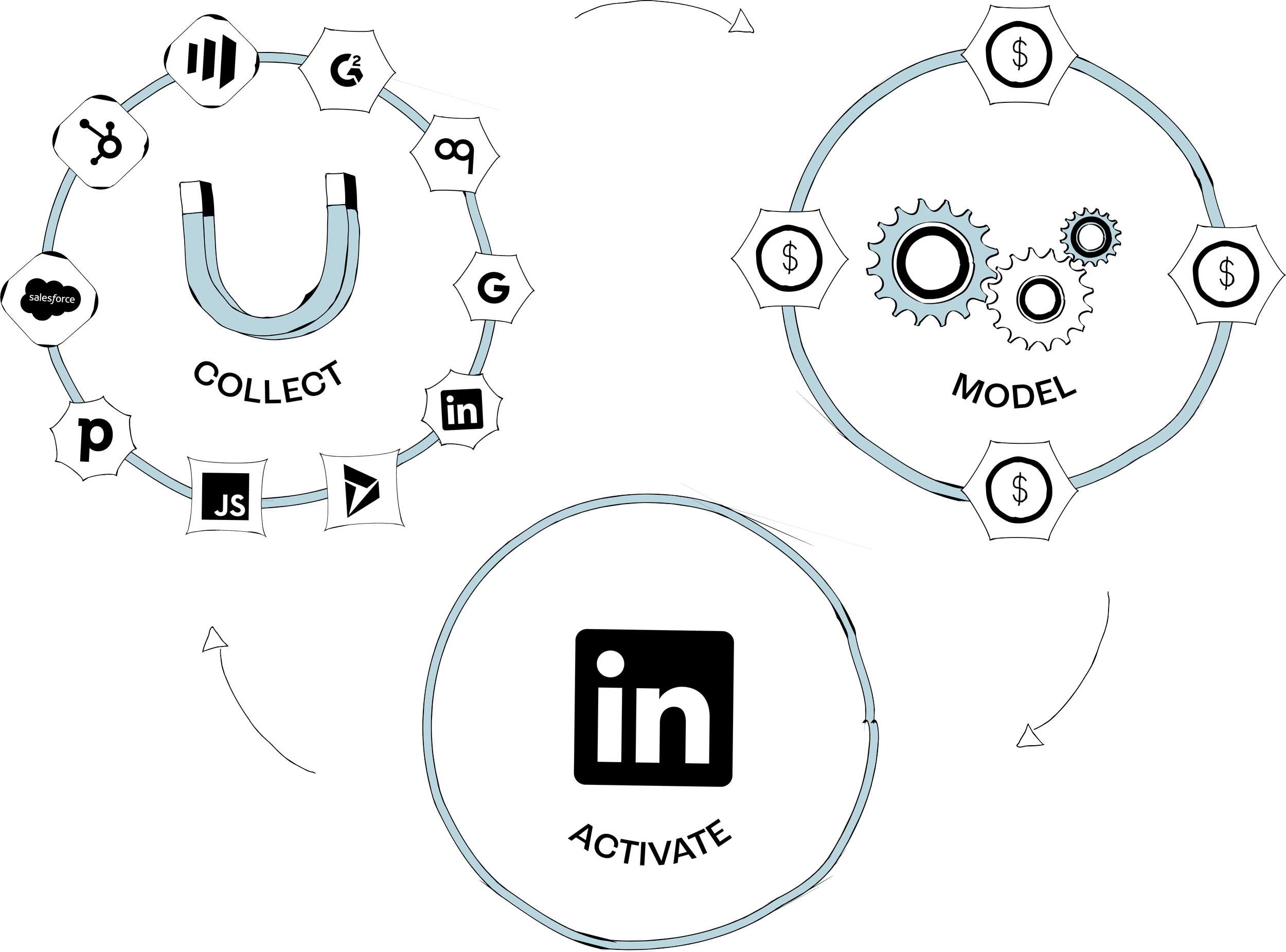
Dreamdata's account-based data model is the foundation for automated collection and attribution. It connects contacts, companies, and recorded activity with pipeline and revenue so you can inspect the campaign journey behind a result.
3. Check account journeys and channel labels
Review a few familiar companies with different outcomes. Keep individual contacts visible within the account and inspect how activity relates to companies with several opportunities.
Run a repeatable account-journey audit
Sample: include won, open, and stalled opportunities from the segments being compared.
Stakeholder coverage: do you see multiple people’s touches unified under the same account?
Channel mix: do you see the channels you expect (paid, email, organic, events/partner where relevant)?
Pipeline milestones: do your milestones appear and align with CRM stages?
Unexpected gaps: investigate whether limited paid activity reflects capture, classification, campaign delivery, or the actual account journey.
Gap triage: common failure modes
Paid spend exists, but few paid touches: check UTMs, auto-tagging, and ad platform connections.
Unknown categories: inspect the original records and correct supported mapping rules or campaign links where the cause is known.
Email dominates: confirm marketing vs sales email separation and verify pre-lead paid/organic touches are captured.
Dreamdata's Customer Journeys helps you inspect recorded account and contact activity. Compare the timeline with campaign records and sales context before changing the budget.
Use the Data Hub to review event and UTM classification rules. Recheck affected records after a fix and record changes that alter historical comparisons.
4. Compare channel contribution and cost
Choose the outcome and date basis before comparing channels.
A newly launched campaign may have engagement but no won deals yet. Compare groups with similar time to develop and show qualified pipeline separately from closed-won revenue.
Choose a model for the question
Use a multi-touch view when you want to inspect credit across eligible interactions.
Compare first-touch for journey entry and last-touch for activity immediately before the selected outcome.
Check the specific weights or milestones of any U-shaped, W-shaped, or custom model before interpreting its allocation.
Keep the time basis explicit
State the campaign cohort or outcome period, selected stage, and eligible journey history.
A model change cannot recover activity that was never collected. Fix known source gaps and assess their effect on the comparison.
Build a focused channel scorecard
Attributed pipeline by channel and campaign
Attributed closed-won revenue by channel and campaign
Relevant campaign cost and a clearly defined efficiency measure, such as cost per attributed opportunity
Influenced value where useful, labeled separately because campaign totals can overlap
Decision rules that prevent common reporting traps
Direct traffic: inspect the journeys before comparing an exclusion. Removing it redistributes credit under different rules; it does not recover a missing acquisition source.
Unclassified: report it as its own line item until fixed.
Segmentation: split by new logo vs expansion, region, ICP tier, and deal size band.
Dreamdata's performance reporting helps compare channel and campaign contribution with relevant costs. Inspect the accounts behind a result and save the configuration used for the recommendation.
Illustrative comparison: Channel A spends $20,000 and receives $100,000 in attributed qualified pipeline; Channel B spends $30,000 and receives $90,000. Their pipeline-to-cost ratios are 5:1 and 3:1.
Before moving budget, check account quality, campaign maturity, and eventual win rates. Pipeline is still potential revenue.
5. Use the finding in a campaign
Choose one action the scorecard supports: refine an audience, change an offer, test additional spend, or use a meaningful pipeline conversion in ad optimization.
Dreamdata's Audience Hub lets you define groups using account properties and engagement. Conversion syncs can send selected pipeline outcomes to supported platforms. Configure the selected use case and check its destination before expanding.
Choose an audience that fits the goal
Suitable engaged accounts without an open opportunity, offered a relevant next step.
Accounts with a specific evaluation question that follow-up content can address.
Open opportunities where a sales-aligned campaign can provide useful information.
Sync conversions that ad platforms can optimize against
Select a reliable pipeline event supported by the destination and appropriate for the optimization goal.
Verify event time, value, identifiers, and duplicate handling, then check the platform's requirements and available volume.
Improve the sales handoff when relevant
Agree which account activity is useful context and what buyer question the follow-up should address.
Send the context through the team's configured workflow and confirm who owns the response.
Collect sales feedback on the handoff and review subsequent account progression.
Activation quality checks
Audience quality: does the group contain the suitable companies and exclusions you intended?
Matching and delivery: can the destination reach the intended audience under its requirements?
Downstream outcomes: do the accounts progress to useful pipeline at an acceptable cost?
Start with one checked change and a clear success measure. Use an experiment when you need to test whether extra spend or a new campaign adds outcomes.
Build a channel report you can use
Define the channel, source, and campaign mapping with a clear owner.
Connect relevant sources and test a tagged campaign journey.
Inspect familiar accounts and correct material source or classification gaps.
Compare contribution and costs with explicit scope and campaign maturity.
Validate the approach with your own data in Dreamdata, then make one clear campaign or budget recommendation.
FAQs
1. What’s the difference between channel tracking and attribution in B2B?
Tracking is capturing and normalizing touches (UTMs, web events, ad clicks, email engagement) and tying them to accounts, opportunities, and revenue.
Attribution is applying a model to distribute credit for pipeline and revenue across those tracked touches. If tracking is incomplete, changing the model won’t remove bias.
2. Which attribution model should we use for budget decisions?
Choose the model that fits the question and compare another perspective when useful. Multi-touch shares credit across eligible activity, while first-touch and last-touch help inspect the journey's endpoints.
Keep the accounts, outcome, dates, and filters consistent, and assess cost, quality, and maturity before acting.